
Understand Your Numbers Without Being an Accountant
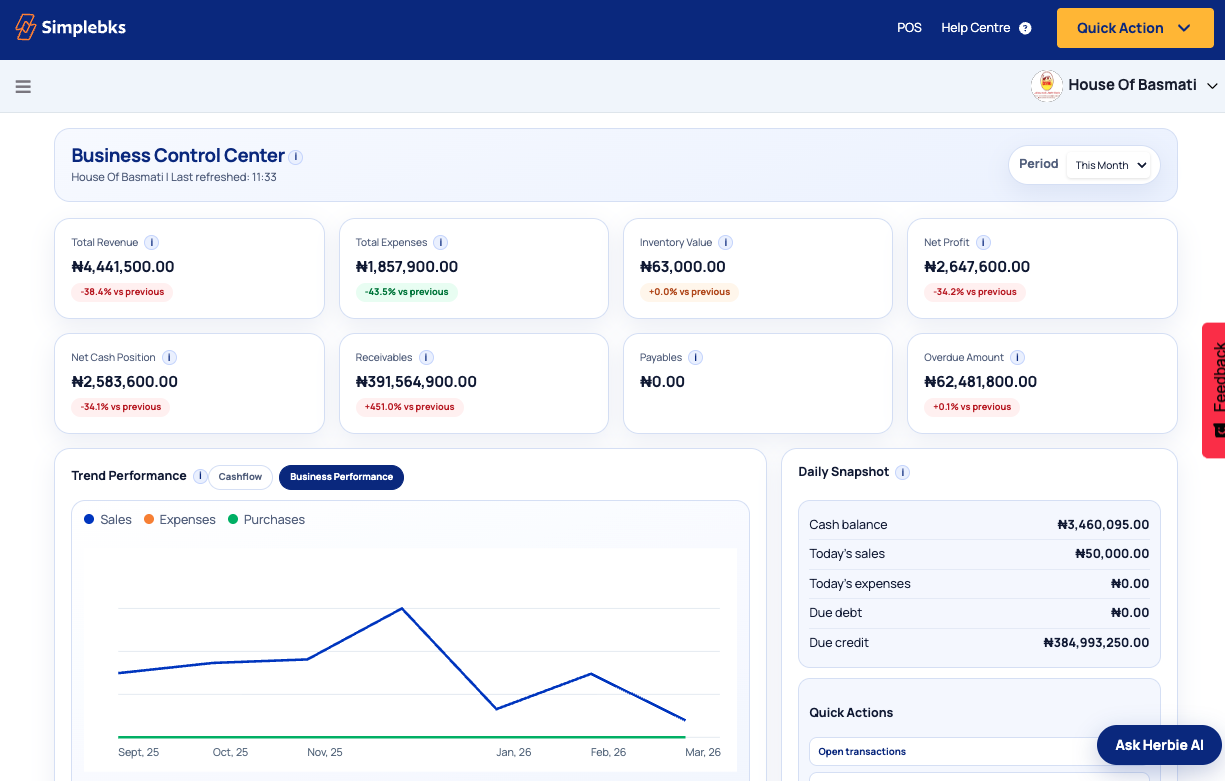
Simplebks automatically organizes your business transactions into clear financial reports so you always know how your business is performing.
From Profit and Loss statements to cashflow insights, you get the financial clarity needed to make smarter decisions.
Stay organized. Stay compliant. Stay in control of your finances.

Are Your Business Finances Truly Clear?
Many business owners focus on daily sales but struggle to see the full financial picture. When records are scattered across spreadsheets, bank alerts, and notebooks, business decisions become guesswork.

Professional Accounting Made Simple
Simplebks helps you maintain professional financial records without the complexity of traditional accounting systems.
Chart of Accounts
The Chart of Accounts organizes all your financial activity into structured categories so every sale, expense, asset, and liability is properly recorded.
Key capabilities include:
- Customizable chart of accounts
- Account grouping for income, expenses, assets, and liabilities
- Detailed account ledgers
- Opening balance configuration
Profit and Loss Statement
See exactly how your business is performing over time with a clear view of revenue, expenses, and net profit.
Key insights include:
- Total revenue
- Cost of goods sold
- Operating expenses
- Net profit or loss
Balance Sheet
Get a snapshot of your business financial position across assets, liabilities, and owner's equity.
This helps you understand:
- Assets owned by the business
- Liabilities owed to others
- Owner's equity position

Cashflow Statement
Track how money moves in and out of your business so you can protect liquidity and avoid cash pressure surprises.
You can quickly see:
- Cash from sales
- Cash spent on expenses
- Changes in available cash
Trial Balance
The Trial Balance helps ensure your accounting records remain balanced and accurate with a complete summary of account balances.
Comprehensive Business Reports
Simplebks provides multiple reports that help you understand every part of your business operations.
Fixed Asset Management
Many businesses own valuable equipment and long-term assets such as vehicles, machinery, or office equipment. Simplebks helps you track the full lifecycle of these assets.
Asset registration and categorization
Keep every long-term asset clearly tagged and organized in one place.
Depreciation tracking
Automatically monitor value changes over time for accurate reporting.
Asset lifecycle events
Record transfers, maintenance, and status changes as they happen.
Asset disposal management
Capture disposal records cleanly so statements stay accurate.
This ensures your financial statements remain accurate while maintaining proper asset records.
Built for Businesses That Need Financial Clarity
Simplebks accounting tools are used by retail businesses, manufacturers, service businesses, restaurants, and professional firms.
Whether you run a small shop or multiple businesses, Simplebks keeps your finances organized and transparent.
Works Seamlessly With The Rest of Your Business
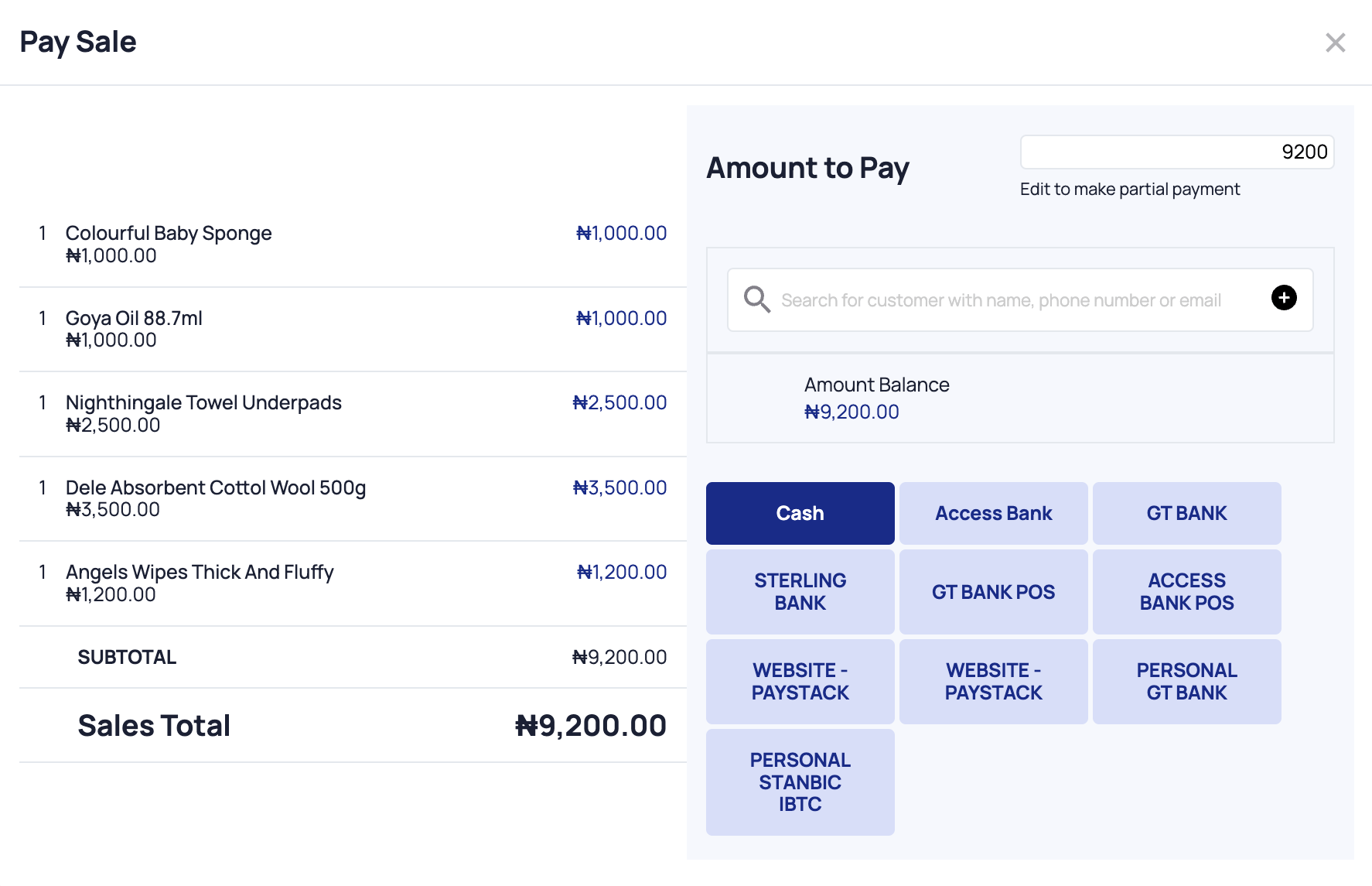
When you record sales, expenses, inventory movements, and payments, Simplebks automatically updates your financial records and reports. This means less manual work and fewer mistakes.
How accounting happens automatically
Need Help Setting Up Your Accounting?
Our team can help you configure your financial structure so you start with clean records.
During a short setup session we will help you:
- Configure your chart of accounts.
- Enter opening balances.
- Set up financial reports.
- Understand your first profit and loss report.
Start Understanding Your Business Finances Today
Thousands of businesses already rely on Simplebks to organize their financial records and understand their performance.